HGV Sat Nav Settings UK
Short answer: For a UK HGV sat nav, start by setting the vehicle height, width, length and operating weight, then confirm map region, language, sound, mount position and route preferences. Do not follow a route until you have previewed it against current signs, bridge warnings and operator instructions.
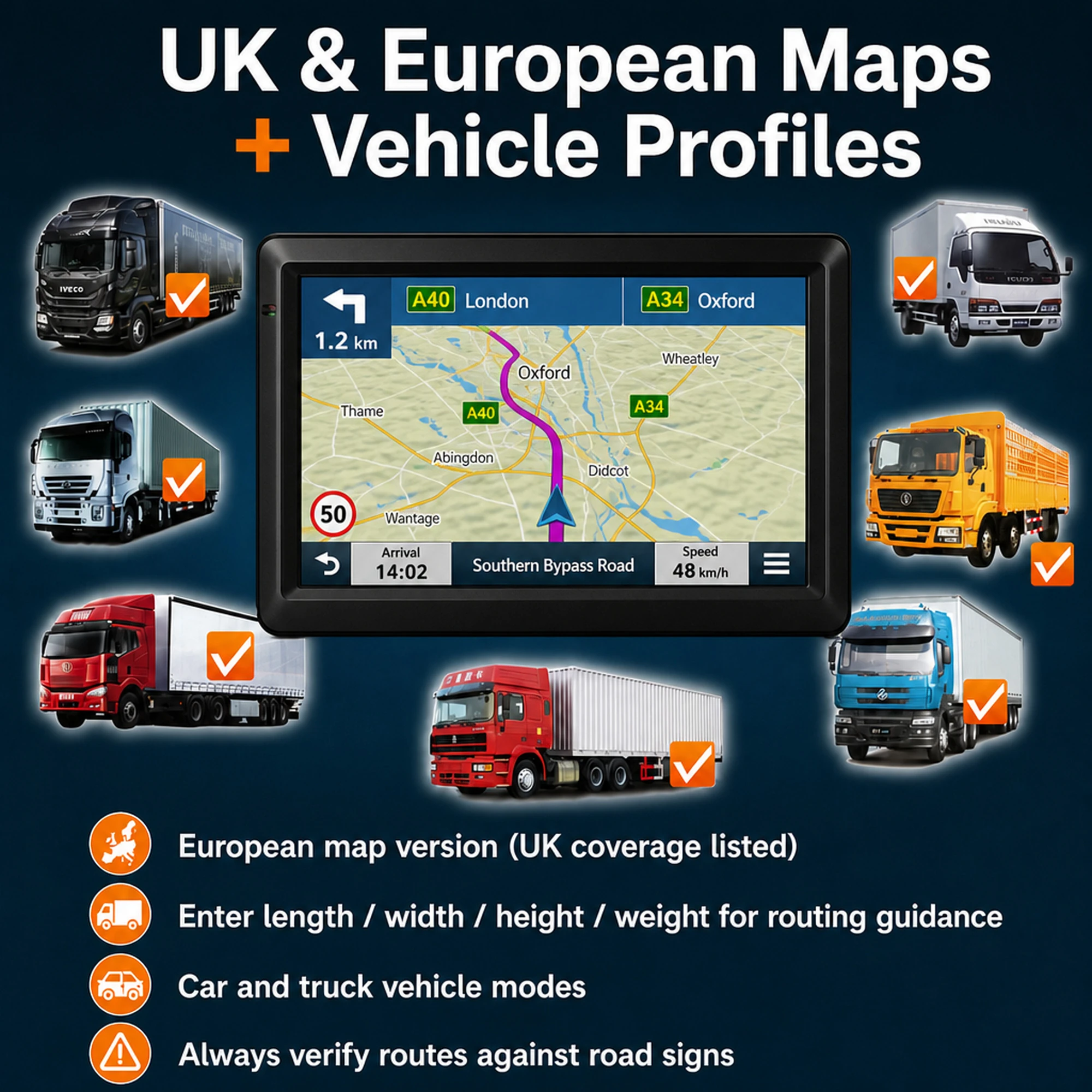
Who this guide is for
New HGV drivers, replacement-device buyers and transport teams standardising a simple setup routine.
The common mistake is entering a postcode first and treating the route as ready. A better setup begins with the vehicle, then the journey, then the road check.
The first settings to enter
- Height for the loaded vehicle, not an empty-cab estimate.
- Width including anything that changes the practical road space needed.
- Length or combination length if the software supports it.
- Operating weight or gross weight where available.
- Truck, lorry, coach, van or car mode according to the actual journey.
Route preferences to review
- Avoid unsuitable roads where the software offers that option.
- Check toll, motorway, ferry and unpaved-road preferences before long journeys.
- Use clear voice guidance but keep the screen where it does not block vision.
- Confirm units are in the format the driver actually uses.
- Keep brightness and volume usable for daylight and noisy cabs.
A setup routine for small fleets
- Create one written setup checklist for drivers.
- Record who checked each device and when.
- Use the same naming convention for vehicle profiles.
- Review settings after trailer swaps, repairs and seasonal route changes.
- Make sure drivers know signs override the screen.
TruckNav-specific checks
- The current product page supports the basic in-cab hardware story: 7-inch screen, Bluetooth, AV-IN and European map edition.
- It also lists included vehicle accessories such as car charger, USB cable and windscreen suction mount.
- The page does not state a verified map version or update entitlement, so those details should be confirmed if they affect the buying decision.
| Product page | 7-inch GPS Navigator with Bluetooth, AV-IN and European Maps |
|---|---|
| Current price | £176.76 when this guide was checked; recheck before ordering |
| Public facts used | 7-inch display, Bluetooth, 2.5 mm AV-IN, European map edition, car charger, USB cable and windscreen suction mount. |
| Do not assume | Guaranteed restriction coverage, lifetime updates or suitability for every vehicle without confirmation. |
Official guidance to keep beside the screen
For low bridges and restrictions, use navigation as one part of the safety process. Department for Transport and Network Rail guidance on bridge strikes emphasises checking vehicle height, planning safe routes and responding correctly when a restriction is encountered. GOV.UK vehicle weight guidance is also useful when buyers are unclear about unladen, gross or operating weight language.
- Department for Transport bridge strike guidance
- Network Rail bridge strike prevention
- GOV.UK vehicle weights explained
Related TruckNav guides
- Lorry low-bridge route checks
- HGV route planner UK guide
- Truck sat nav buyer guide
- Best truck sat nav UK guide
- TruckNav product detail
Frequently asked questions
What should I set before entering a destination?
Set vehicle height, width, length and operating weight first, then check route preferences and map region.
Do settings need to be changed after loading?
Yes, if the load changes height, weight or practical access requirements, the profile and route should be checked again.
Can one HGV sat nav be moved between vehicles?
It can be moved physically if the mount and power suit each cab, but each vehicle profile must be checked before use.
What if the route looks wrong?
Stop safely, review the route and use road signs, operator instructions and site access notes over screen guidance.