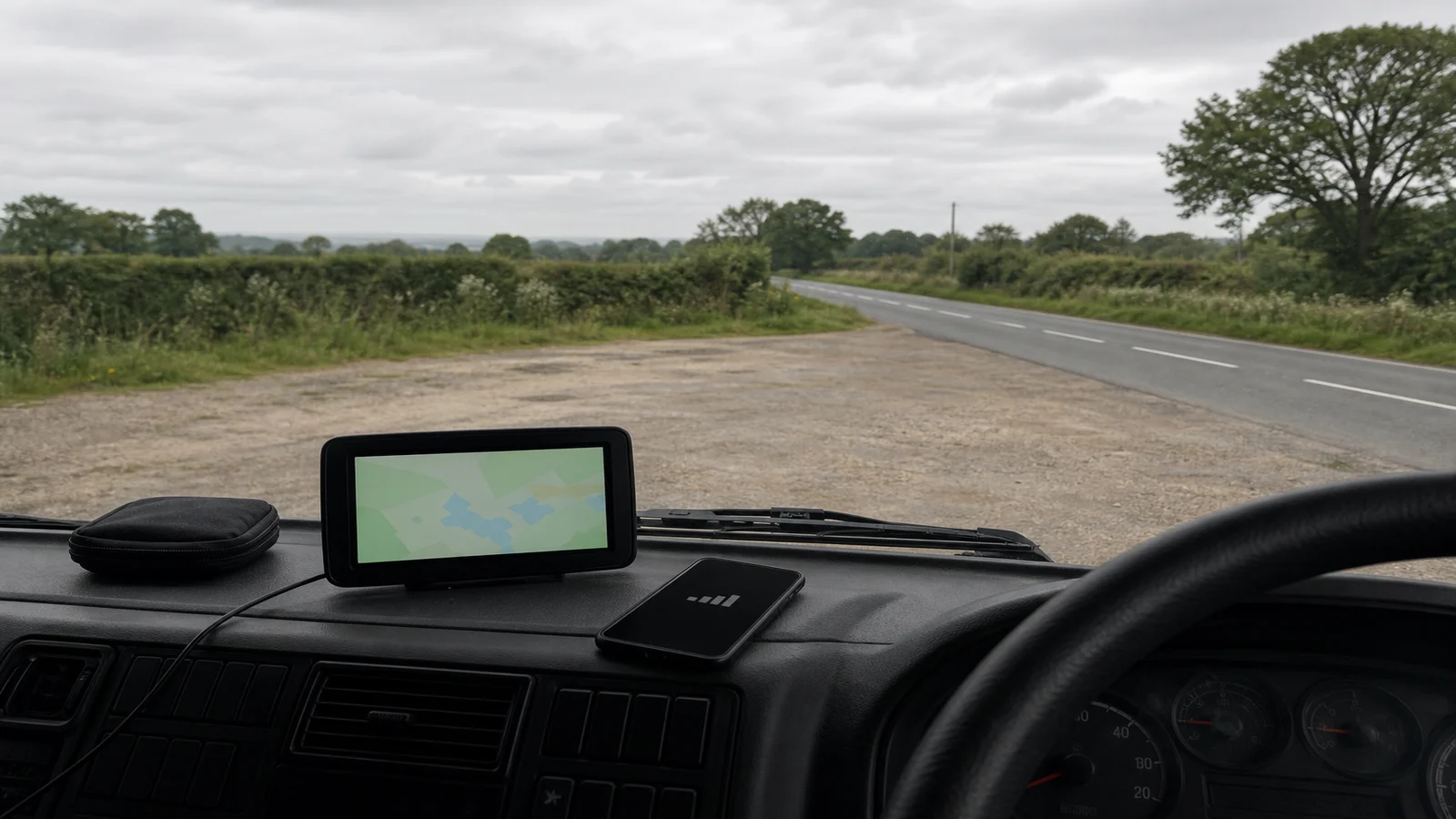
Do Truck Sat Navs Need Internet UK?
A truck sat nav only needs internet for the jobs that live on a live connection. Turn-by-turn guidance can work from maps stored on the device, but live traffic, remote search and automatic updates usually cannot. Offline operation still does not prove that height, weight or access data are complete, so roadside signs and the vehicle's measured dimensions remain the deciding facts.
Can a truck sat nav give directions without mobile data?
It can, if the maps and the truck-routing files are already on the unit and the satellite fix is good. Dedicated portable navigators are often sold on that basis: the route is calculated from what is stored, not from a phone mast. That is a category pattern, not a promise about any one listing, and it is not a promise that the stored files match every low bridge or temporary restriction you will meet.
The Department for Transport prevention of bridge strikes good practice guide still expects professional drivers to know the vehicle height and width, know the route and obey traffic signs. A device that can speak a turn without a mobile signal does not take those duties away.
Which features normally depend on an internet connection?
Use the decision table below as a planning split, then confirm what the actual unit does from its current listing and manual. Do not assume live traffic, lifetime map updates or a built-in SIM just because the unit is described as a truck sat nav.
| Job | Usually needs internet? | What to verify while parked |
|---|---|---|
| Turn-by-turn from stored maps | No, if the map files are already on the device | Run a short test route with the phone in aeroplane mode or left in the bag |
| Live traffic or delay layers | Yes, on most connected products | Treat delay colours as absent unless the listing and a live test show otherwise |
| Address search that queries a remote server | Often yes | Save the destination from a known postcode while you still have signal, then test playback offline |
| Map or restriction file updates | Yes, unless you update from a computer by cable according to the maker's method | Read the current update terms; do not assume lifetime cover |
| Height, weight and access warnings | Depends on stored truck data, not on a mast by itself | Check the vehicle profile, then still obey signed limits on the road |
How do I test offline navigation before a working journey?
Test while parked, on a short loop you already know, not on the first loaded run of the week. The aim is to see which jobs survive without a mobile signal, not to prove the map is perfect.
- Park legally and confirm the unit has a satellite fix in the open, away from a dense warehouse roof if you can.
- Enter a nearby destination you could drive without help, using the same vehicle profile you will use on the job.
- Disable mobile data on any paired phone, or leave that phone in the locker, so the navigator is not silently borrowing a hotspot.
- Watch whether the unit still calculates a route, still speaks turns, and still keeps the vehicle on the map.
- Write down what failed: no route, no voice, no map, or a route that ignored a signed restriction you already know on that loop.
If the unit dies without a phone hotspot, treat it as a connected device for that job and plan a phone-app backup only where the operator allows it and the phone can be mounted without blocking the view. If the unit works offline but offers a road you know is signed as unsuitable, treat that as a map-data limit, not as a reason to follow the screen.
What map and restriction limitations still matter offline?
Offline files go stale. Temporary roadworks, new height bars, weight limits on weak bridges and “except for access” rules can change after a map compile. DfT's Know your traffic signs guidance is the public reference for the signs you will actually meet; a stored truck map is not a substitute for reading them.
Bridge-strike good practice also tells drivers not to rely on a headboard height that may be wrong after a trailer or load change. The same caution applies to a sat nav profile. If the trailer, the load or the equipment on the roof has changed since the last measured height, update the written vehicle record first. Then update the device profile. Then still treat a circular height sign as a stop if the vehicle is higher than the signed figure.
When is a connected phone app the better alternative?
A connected phone app can be the better alternative when the operator already issues one, when the job depends on live traffic that the portable unit cannot show, or when the portable unit's maps are older than the operator will accept. It is a weaker alternative when the route crosses known weak-signal areas, when the phone cannot be mounted without blocking the view, or when the driver would have to hold the phone to change a destination.
Do not mix the two mid-journey by tapping whichever screen still has a battery. Choose the primary device while parked, mount it so the road stays visible, and keep the other device as a parked backup rather than a second screen in motion.
Who this article is not for
This article is not for drivers who need a guaranteed live-traffic product, and it is not a specification sheet for one store listing. It is also not for anyone who wants to treat an offline map as complete restriction data.
Stop conditions
Stop the working journey if the unit cannot calculate a route without a hotspot you will not have on the road. Stop if the vehicle profile is missing or still shows yesterday's trailer height. Stop if an offline test sends you toward a signed restriction you already know. Park and escalate to the operator rather than guessing that “it will be fine without data”.
If a portable unit still looks useful after the offline test, you can review the 7-inch automotive navigation system. Confirm map storage, update terms and vehicle-profile fields on the live listing; this page does not claim live traffic, independent connectivity or lifetime updates. For the signs that still override any digital route, see HGV road restriction signs in route planning.