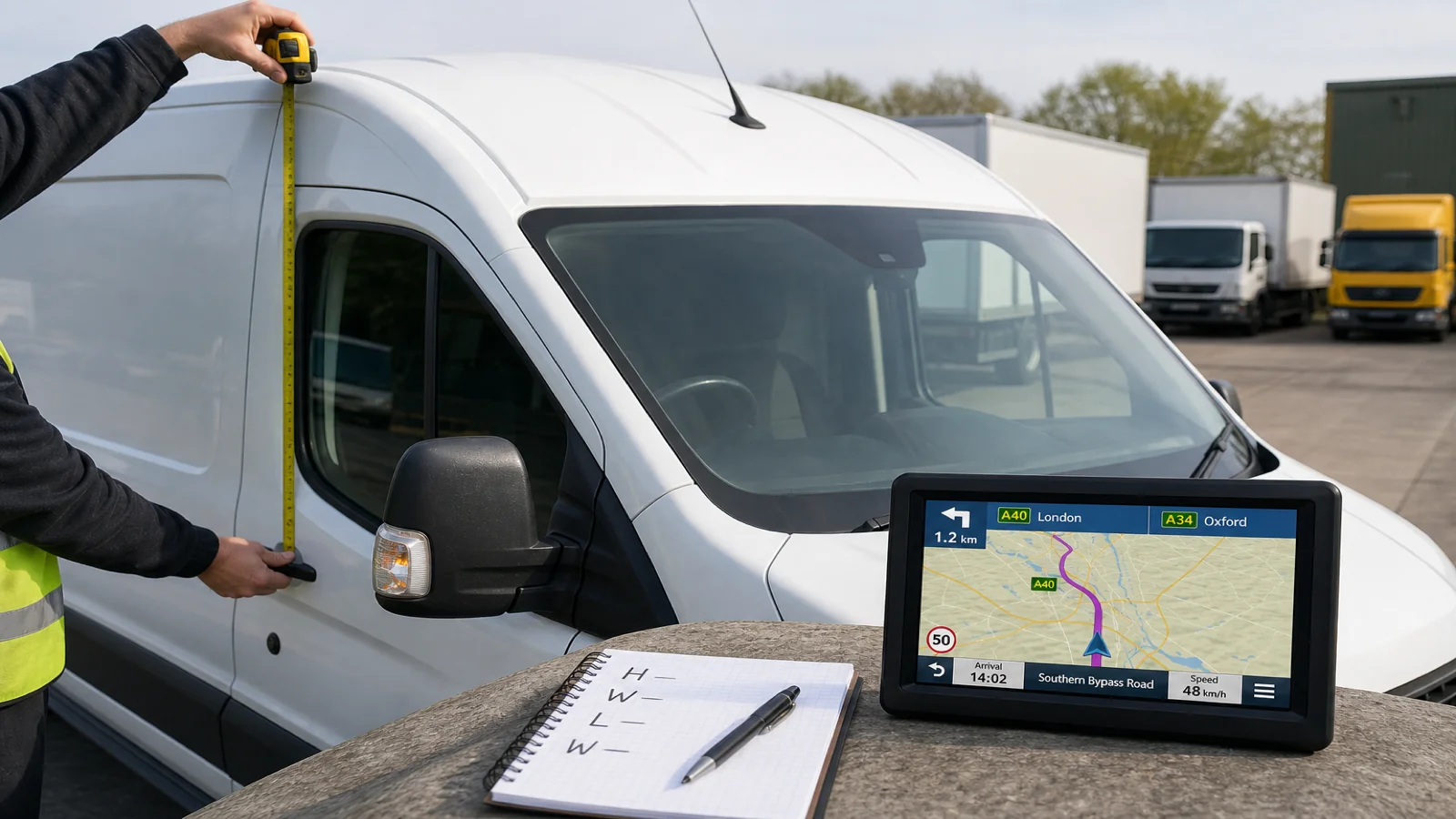
How to Measure Height, Width and Weight for Sat Nav (UK)
Measure the vehicle yourself, add a sensible clearance margin, include mirrors in the width, and use the correct plated weight — then enter those figures into the sat nav profile. The software cannot measure your truck, van, bus or motorhome for you. On UK roads, wrong numbers are as risky as the wrong vehicle mode.
What to measure before you type anything
Work from the vehicle as it will run today: body, roof kit, trailer if coupled, and any temporary load that raises height. Write the figures down before you touch the device so you are not inventing numbers at the kerb.
- Height — from ground to the highest fixed point that will travel with you: roof, beacon, air kit, aerial mount, or loaded goods that sit above the body.
- Width — overall width including mirrors set for the road, not the body alone with mirrors folded.
- Weight — the relevant maximum authorised mass (MAM) or the plated figure your operation uses for restriction decisions, not a hopeful empty estimate.
If you swap trailers, change roof equipment, or move from solo tractor to articulated combination, measure again. Profiles that were right last Tuesday are wrong after a swap.
Height: measure high, then leave margin
Use a known-level surface. Measure to the tallest point that will move with the vehicle. Soft loads, tarpaulins and add-on lights all count if they sit above the cab or body.
Add a clearance margin after the measured height — for measurement uncertainty and tight bridges, not to “open” more roads. Entering a lower height than you have is the dangerous mistake. A slightly higher figure is safer when unsure, if it still reflects a truthful operating height. Convert carefully between feet/inches and metres; one decimal slip can mis-class a bridge on the plan.
Width: include the mirrors
UK drivers often measure the box and forget the mirrors. Restriction signs and tight village streets care about the full silhouette. Measure overall width with mirrors in the position you drive with, not folded for a wash bay.
Again, a small honest margin is better than an optimistic narrow figure. Do not enter car-width numbers on a wide commercial body because you want a shorter route. Dimension routing only helps if the numbers describe the vehicle that will meet the sign.
Weight: use MAM and plated truth
For sat nav profiles, weight is about legal and mapped restrictions, not a casual guess of today’s payload. Use the maximum authorised mass (MAM) or the plated value your firm treats as the restriction reference for that vehicle combination.
If you run different combinations — solo van one day, drawbar or artic the next — update the weight when the combination changes. A profile that still shows yesterday’s lighter figure can plan roads you are not entitled to use at today’s mass.
Enter the profile on the device
On a unit such as the TruckNav 7-inch automotive navigation system, select the matching vehicle mode first (car, bicycle, ambulance, bus, taxi, truck or walking; there is no dedicated motorhome profile), then enter height, width and weight into the vehicle profile. Mode chooses the ruleset; the three numbers fill the clearance and mass fields the router will use.
Then set the destination by postcode, address or POI and review the route before you leave. 2D/3D views, lane guidance, voice navigation and speed-camera alerts help you follow the plan; they do not verify that your tape measure was honest.
Kit notes: the 7-inch 800×480 capacitive screen is readable for profile fields; suction mount or back clip keeps checks easy; the vehicle charger supports longer sessions. Storage is 8 GB plus a 32 GB TF card on MSTAR2531 / Windows CE 6.0 with a 1200 mAh battery. Maps cover Europe including the UK. Bluetooth and FM are for calls and audio; AV-IN 2.5 mm with the included 12V rear-view camera is for reversing — neither replaces a measured profile.
The software cannot measure the vehicle for you
No portable sat nav invents your height from the camera, reads your mirrors, or weighs the axle. Dimension-aware routing uses the numbers you typed. If those numbers are incomplete, outdated or copied from another vehicle, the route is only as safe as the fiction you entered.
That is why measuring is a driver or operator task, not a map feature. Treat profile entry like a walk-round: do it when the vehicle changes, and do it before the first mile, not after the first low bridge warning on the ground.
Boundaries
Accurate height, width and weight improve restriction-aware planning. They do not guarantee every country lane is wide enough in continuous surveyed data, they do not replace temporary signs, and they do not override road signs or legal limits. Maps are IGO or Navitel, with free lifetime updates. This guide does not claim live traffic. Always follow road signs, legal restrictions and conditions as you find them.
FAQ
Should I enter empty weight or laden weight?
Use the plated / MAM reference your operation uses for access decisions for that combination. Do not enter an empty figure if you will run at a higher authorised mass.
Do folding mirrors let me enter a narrower width?
No. Enter the width you drive with. Folding for access is a separate on-road judgement under signs and local rules.
How often should I re-measure?
Any time the highest point, overall width or authorised mass of the combination changes — including trailer swaps and roof equipment.
For a portable sat nav that accepts entered height, width and weight across vehicle modes for UK and European mapping, see the TruckNav 7-inch automotive navigation system.